Built for low-voltage contractors
Your pricing. Your expertise.
Faster quotes.
You set the labor rates, materials, markups and travel charges. NexVolt turns them into polished, consistent quotes for network cabling, cameras, access control, AV and more, in minutes instead of hours.
14-day free trial · No credit card required · Cancel anytime
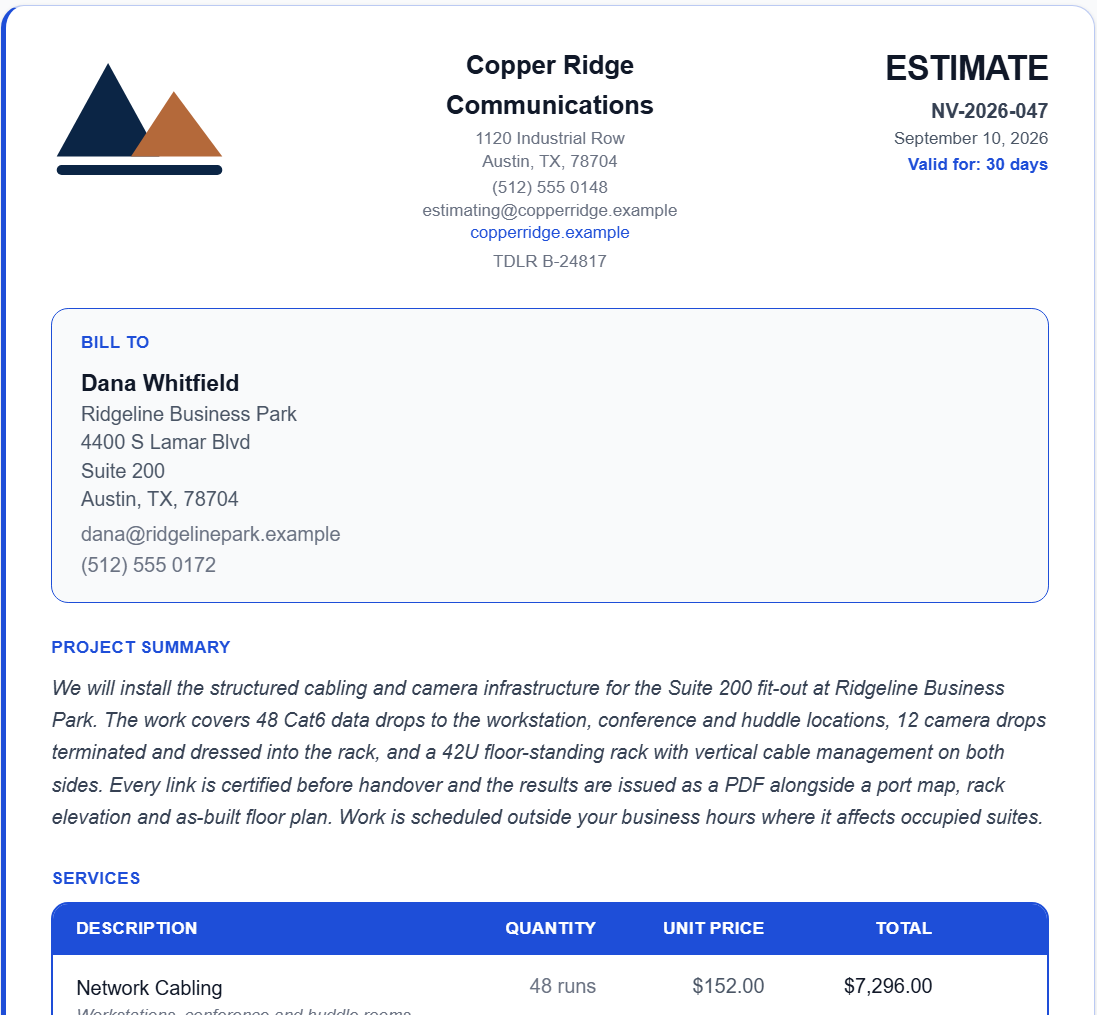
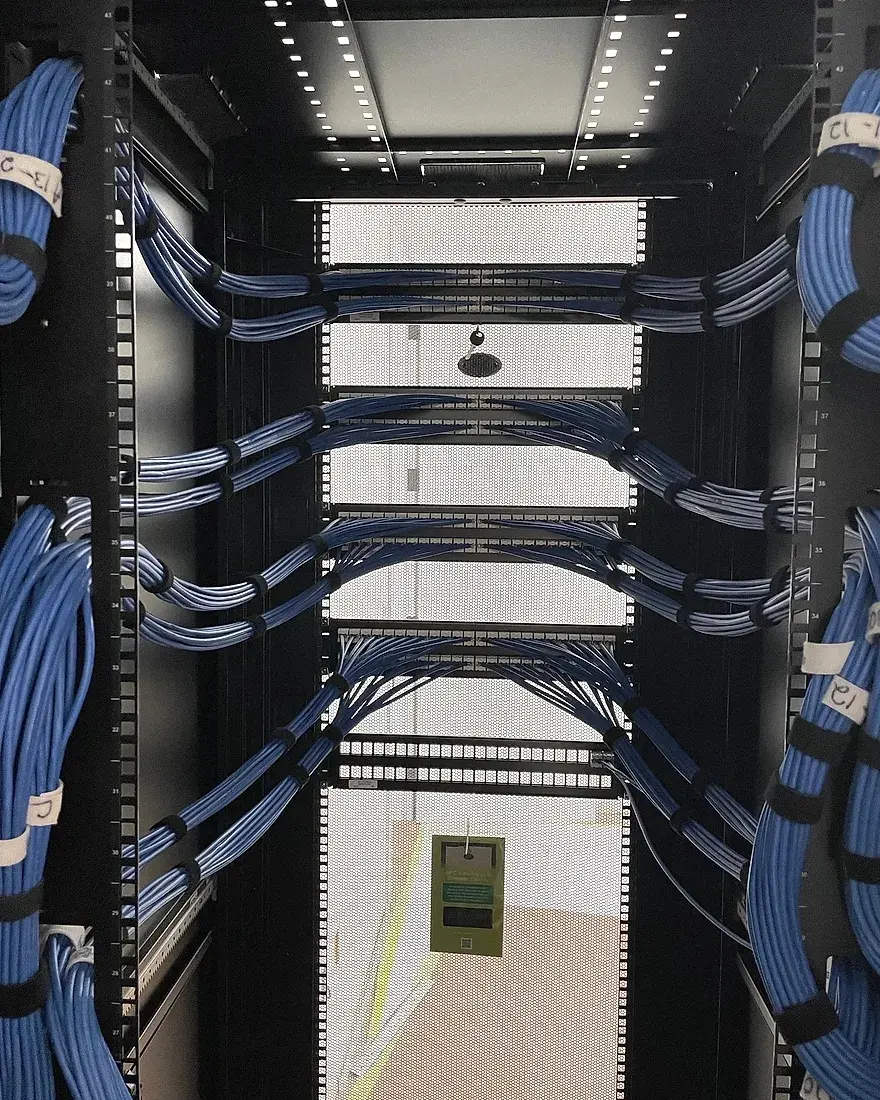
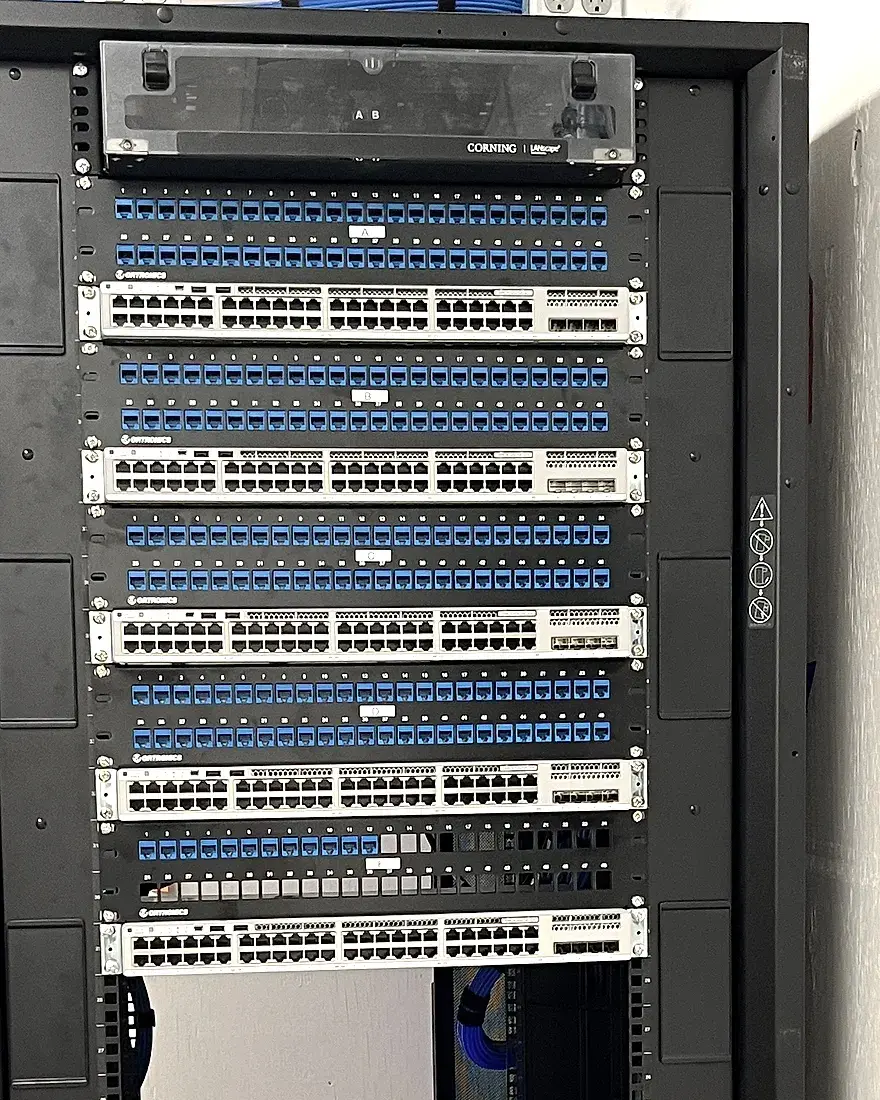
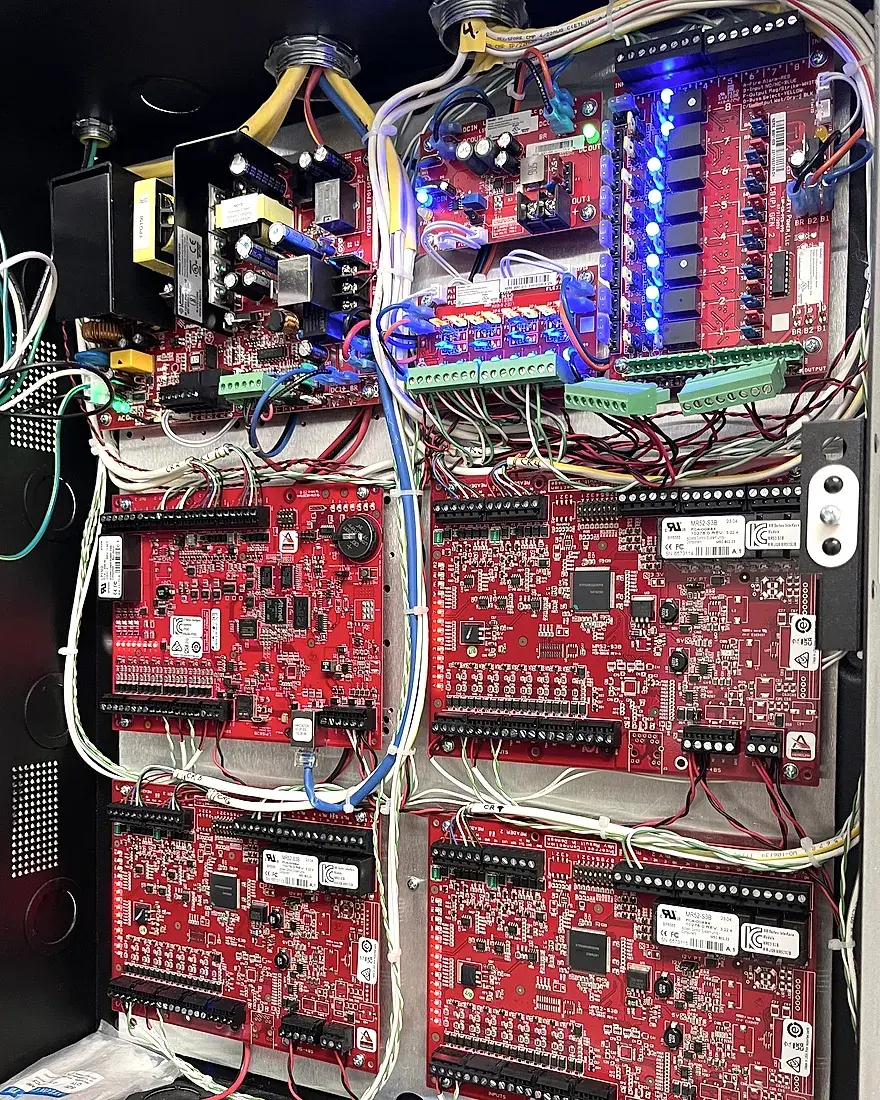

This is what your customer opens.
Open it and you are standing exactly where your customer stands, on a job priced from one contractor's own rates and laid out the same professional way every time.
Every price is yours
Your hourly rate, your markup, your trip charge, your cost per drop. Job conditions like a concrete ceiling or an after-hours install carry a premium you can set yourself.
Change anything before it goes
Change any line's price, and add line items of your own. One slider moves the whole quote, from half to double, in 5% steps.
The write-up is already done
The project summary is drafted from the services you picked and the notes you typed on site. Read it, change anything, send it.
They sign it in the browser
No printing, no scanning, nothing to post back. You get an email the moment it is signed.
Both open right here. No account, and nothing you type is saved.
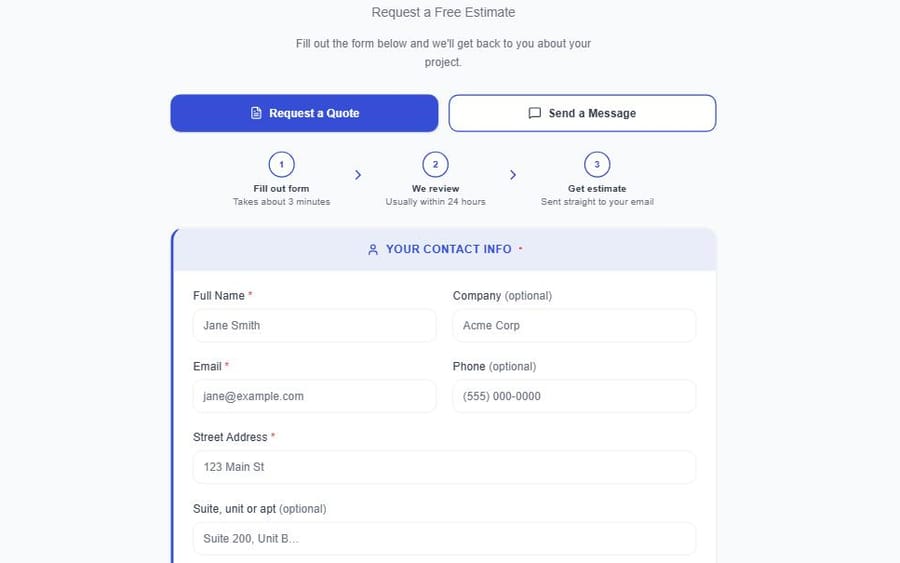
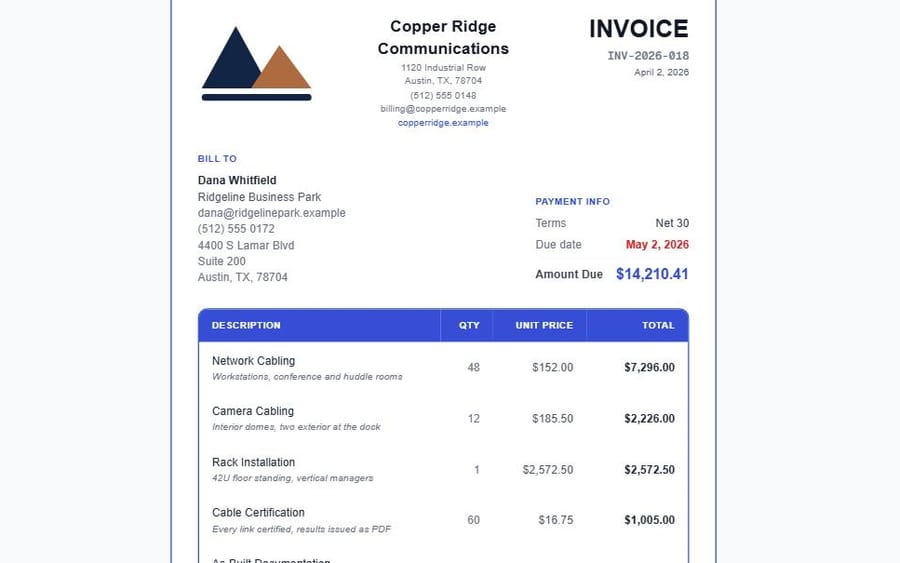
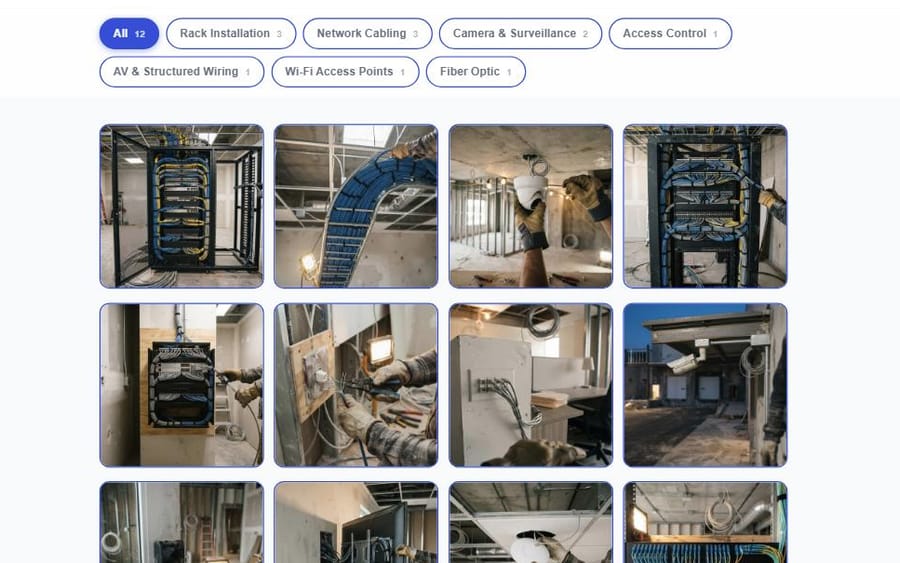
The rest of what your customer opens.
Three more pages, and each one opens the real thing.
Work that finds you, and does not go cold.
The pages above are what your customer opens. This is what happens on your side of them.
See Everything It DoesThe drive is measured before you read it
Follow-ups set themselves
Quotes close themselves out
A lead can end
Up and quoting in minutes.
Set your rates once, then every job runs the same path from build to paid.
Set your own pricing
Enter your hourly rate, markups, per-service rates and travel charges once. They stay yours.
Select services and quantities
Pick from 9 service categories, add quantities and notes, and the total updates as you go.
Approve and send
AI writes the project description, never the price. You approve the wording before it sends.
- Build quote
- Send
- Follow up
- E-sign
- Invoice
- Payment
One price a month. Never per quote.
Pick the plan that fits your team. Cancel anytime.
Solo
1 user · 1 login per seat
- Unlimited quotes at your rates
- All 9 service categories, plus kits
- Quote request page and widget
- Invoices, pay online (1% fee)
- Change orders, deposits, tax
- Job schedule and job margins
- Follow-ups, customers, portfolio
- E-signature, PDF and email
- 10 AI company lookups a month
Team
Up to 5 users · 1 login per seat
- Everything in Solo
- Roles and manager approvals
- Shared pricing and team logins
- Assign requests and schedule your team
- QuickBooks Online sync
- 0% card fee (just Stripe's)
- 20 AI company lookups a month
Pro
Up to 10 users · 1 login per seat
- Everything in Team
- Analytics and a revenue forecast
- Estimates vs Reality across your jobs
- Recurring revenue (RMR)
- Custom email templates
- Same-day priority support
- 40 AI company lookups a month
- Everything in Pro
- White-label (no NexVolt badge)
- A margin floor for managers
- Dedicated onboarding
- 75 AI company lookups a month
Each seat is one unique login. Accounts cannot be shared between users.
What contractors ask before handing over their rates.
Starting with the two that matter most: who sets the price, and who can see it.
Does NexVolt decide what I charge?
No. You set your hourly rate, your markup, your per-service rates, your travel charge, and the premiums for job conditions like a concrete ceiling or after-hours work. Every number on a quote is calculated from rates you entered.
Is my pricing data private?
Yes. Your rates, markups, and quotes are only visible to users in your organization. No other contractor can see your pricing.
What does the AI actually write?
Two things, and both are drafts you approve. The project summary on a quote, written from the services you picked and the notes you typed on site. And, on the Pro and Business plans, the email templates you ask it for, in English and Spanish. It also sorts your portfolio photos by service. It never sets or changes a price, and you can change any word before anything is sent.
Which services does NexVolt support?
All nine categories: Network Cabling, Rack Installation, Camera Cabling, Access Control, AV Wiring, Fiber Optic, Wi-Fi Access Points, Cable Certification, and As-Built Documentation. Terminations are included in the price of each cabling drop rather than quoted as their own line.
Does NexVolt work for solo contractors?
The Solo plan is one user with the full quoting engine, the quote request page, e-signature and invoicing. Nothing about the quote itself is held back for a higher plan.
Do I have to use your payment processing?
No. Card payment is there if you want it, and the money goes to your own Stripe account rather than through us. If you would rather take a check, a bank transfer, Zelle, Venmo, Cash App or PayPal, fill in the ones you use and they print on the invoice instead. On the Solo plan NexVolt keeps 1% of each card payment, on top of Stripe's own fee; Team, Pro and Business pay no NexVolt fee. You can also send quotes and never turn invoicing on at all.
Try it on a job you have already quoted.
You already know what that one should come to. Build it here and see whether the number agrees.
14-day free trial · No credit card required · Cancel anytime